Your rooms live under Rooms on your dashboard. Tap the Rooms card to see them all.
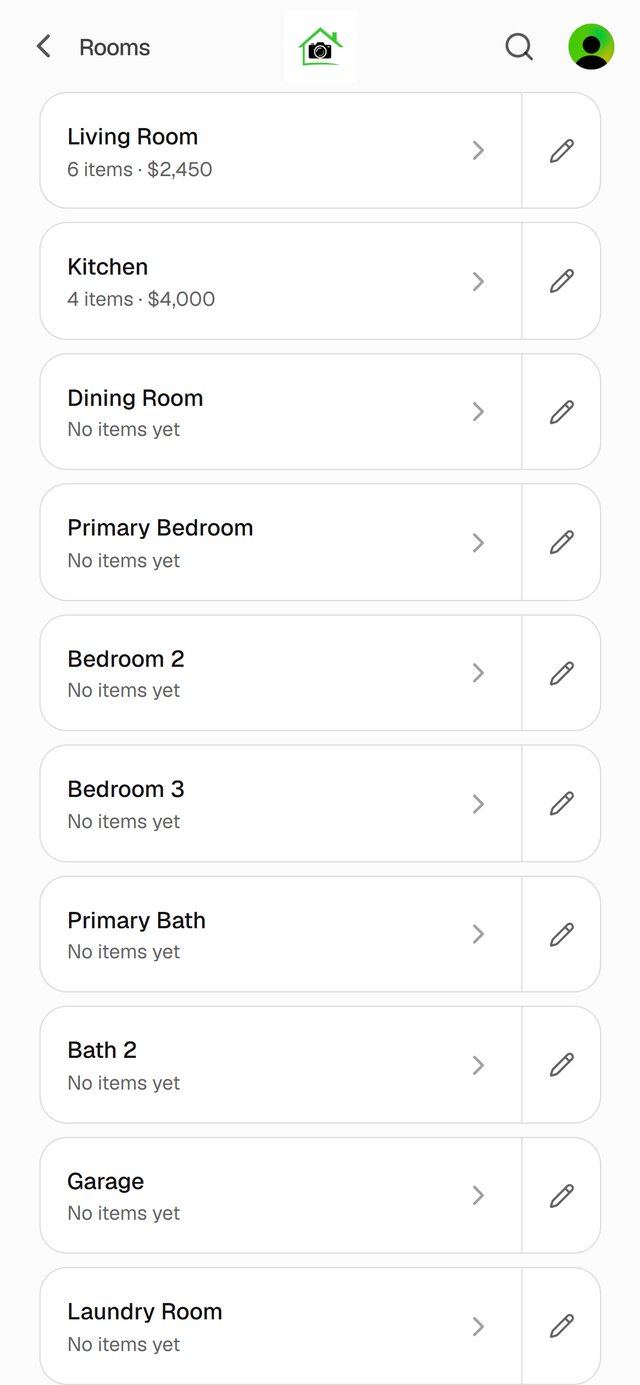
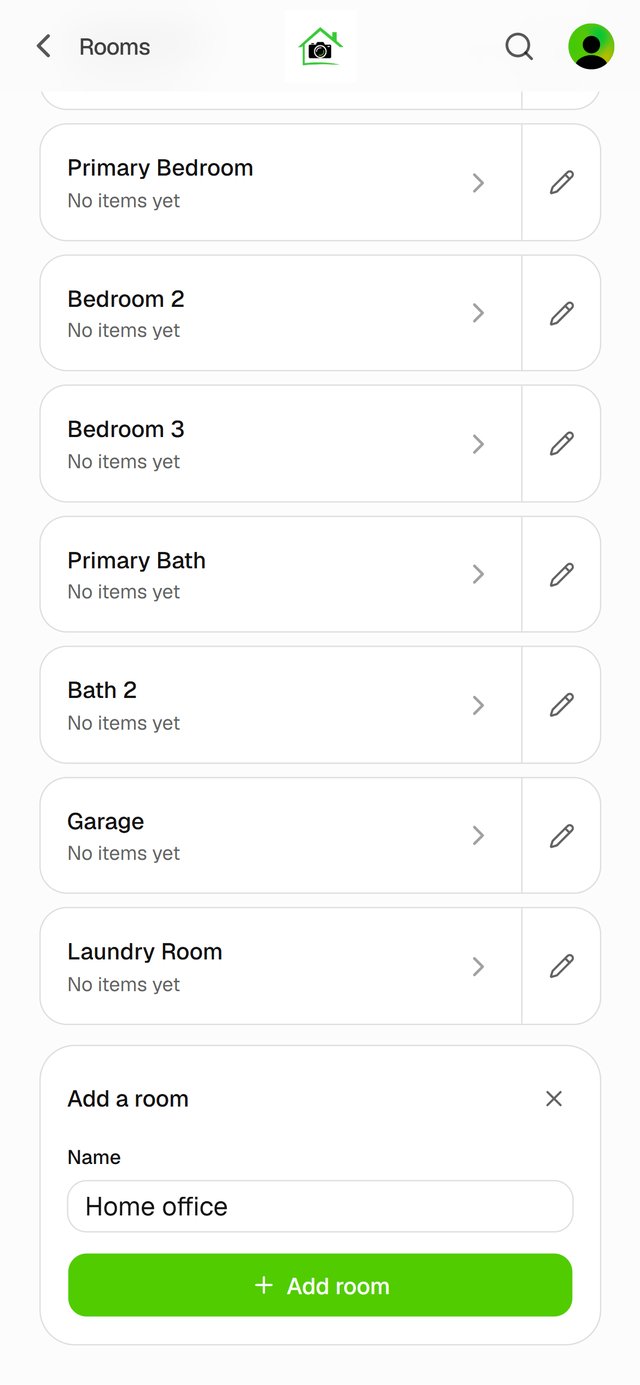
Add a room
Tap Add a room at the bottom of the list, type a name, and tap Add room.
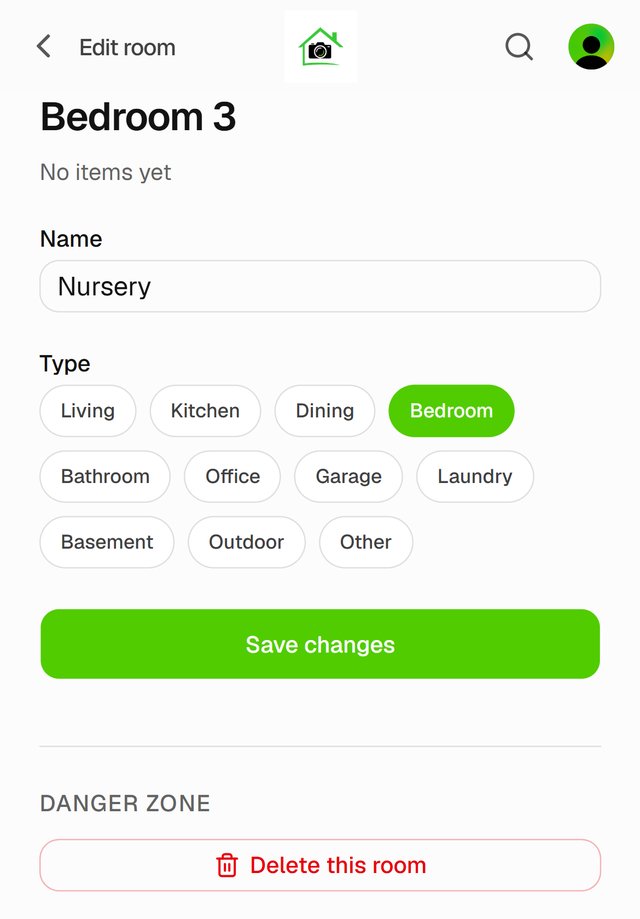
Rename a room
Tap the room's pencil. Change the Name, and the Type if you like, then tap Save changes.
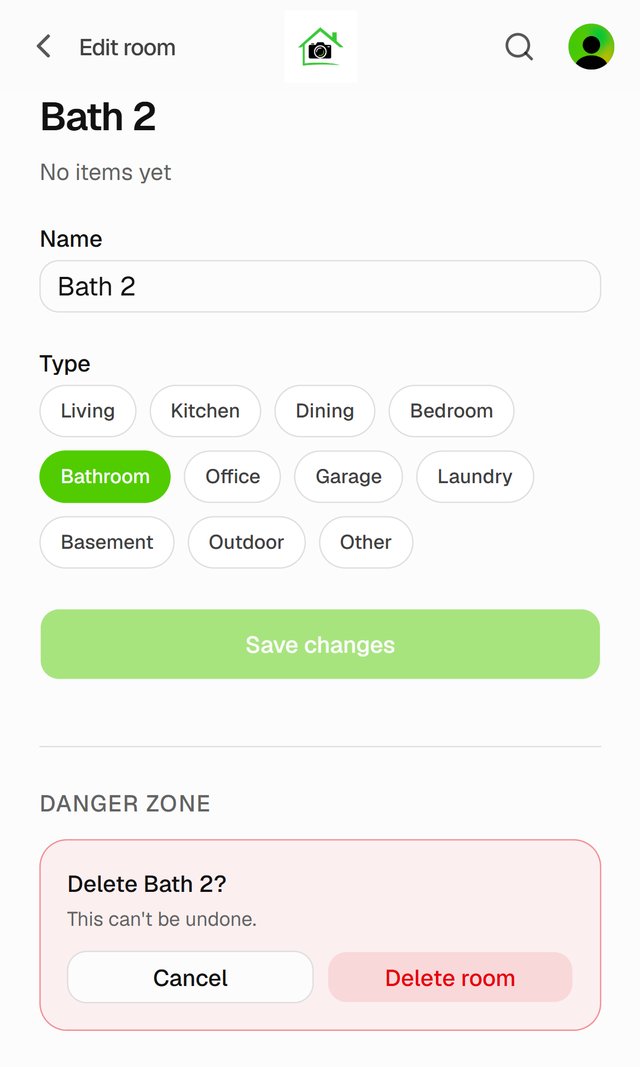
Delete a room
Tap the room's pencil, then Delete this room and Delete room. This can't be undone.
Good to know
- A room with items in it can't be deleted. Move its items first: see Move items to another room.