The PDF is what you hand an insurer, an executor or a mover. It's grouped by room, with photos and values.
1. Open Download
On your dashboard, tap Get a PDF of your inventory.
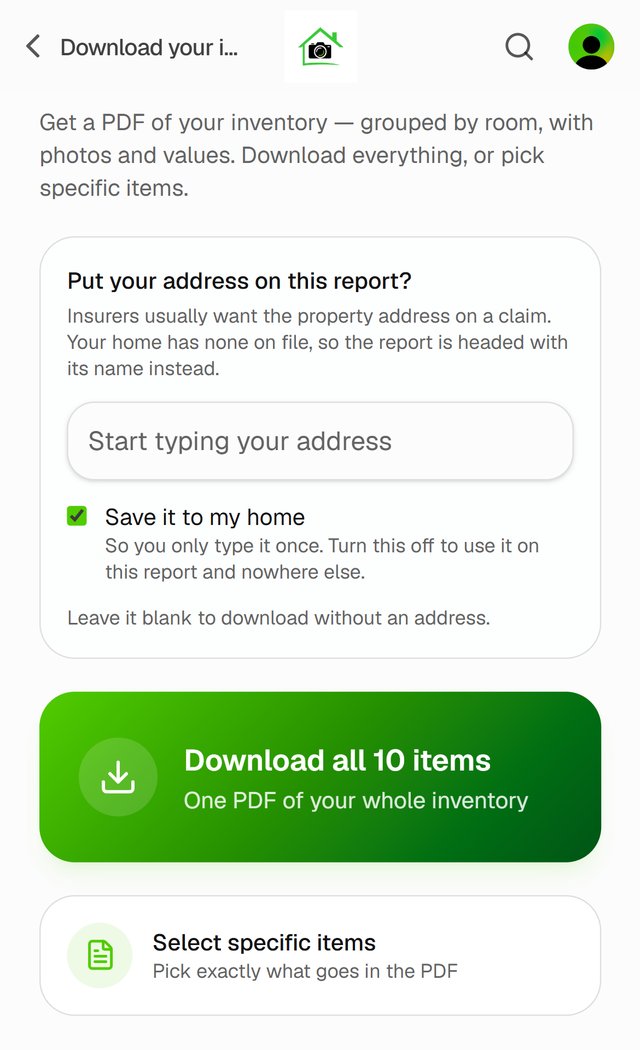
2. Add your address, if you want it on the report
Insurers usually want the property address. If your home doesn't have one yet, type it in. Leave Save it to my home ticked so you only type it once.
3. Download
Tap Download all N items for everything. Or tap Select specific items, tick the ones you want, and tap Download N items.
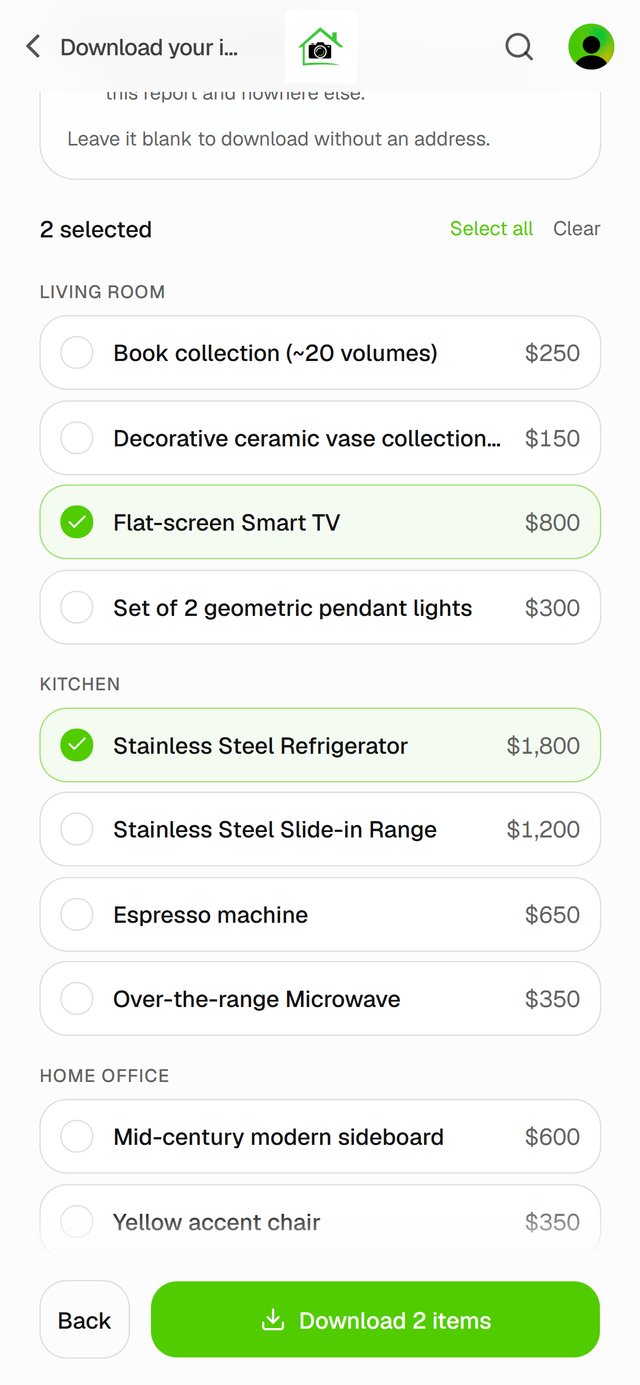
In the iPhone app, the PDF opens in a preview you can save or share.
Good to know
- Need a report about one item? See Create an Item Report.