Open the room and tap the item. Everything on its page can be changed.
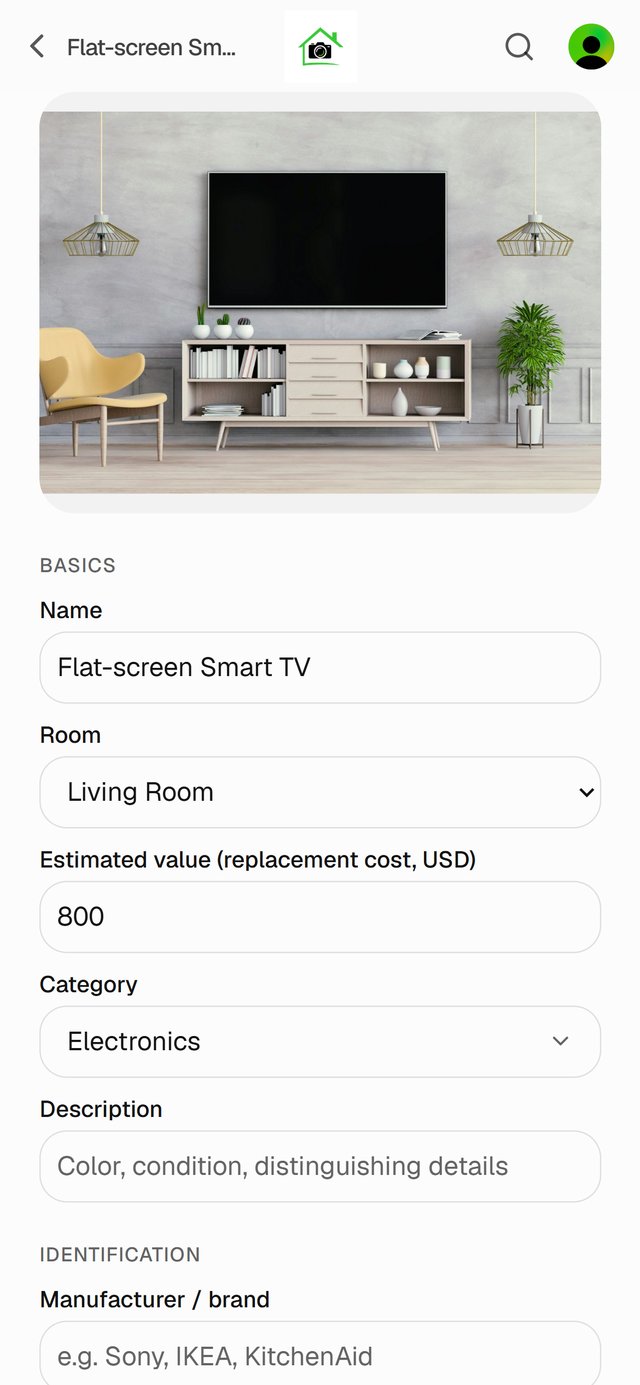
1. Change any details
The page has three sections:
- Basics: name, room, estimated value, category and description.
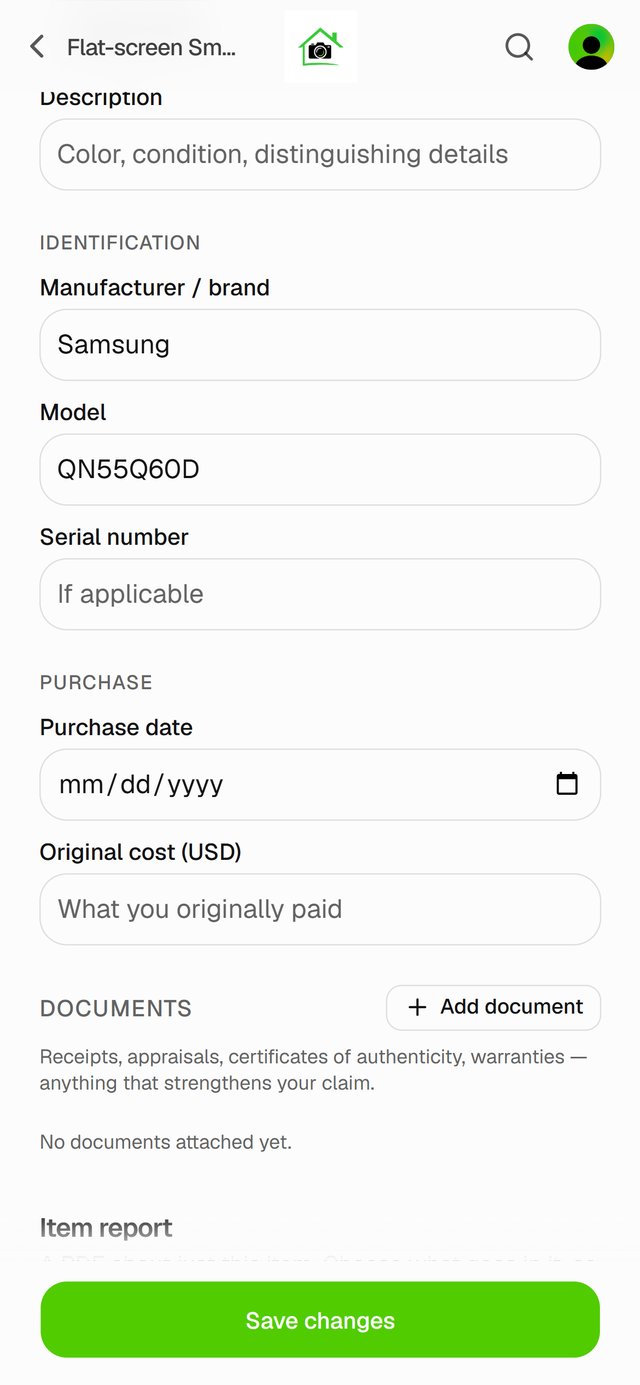
- Identification: brand, model and serial number. These matter most for anything valuable.
- Purchase: purchase date and what you originally paid.
2. Save
As soon as you change something, Save changes appears at the bottom. Tap it.
Delete an item
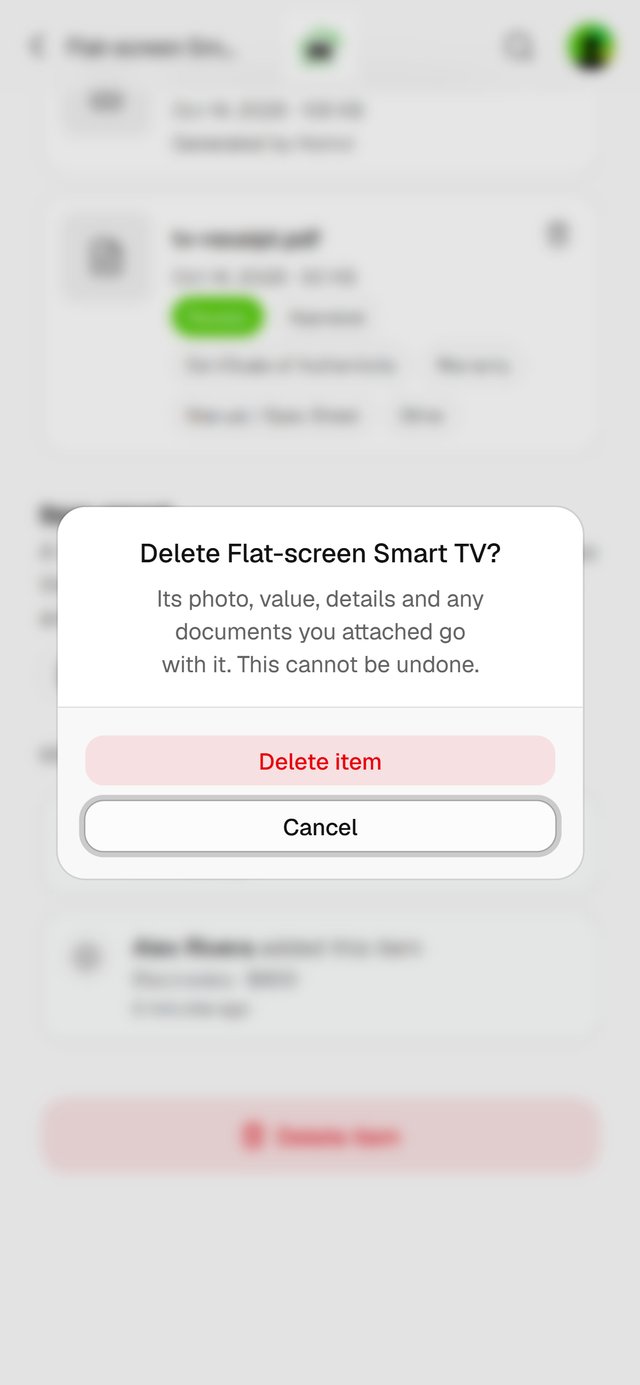
At the bottom of the page, tap Delete item, then Delete item again to confirm. Its photo, value, details and documents go with it, and this can't be undone.
Good to know
- To move an item, change its Room and save. To move several at once, see Move items to another room.