Tap your photo at the top right, then choose Delete Account. Type DELETE to confirm, then tap Delete my account.
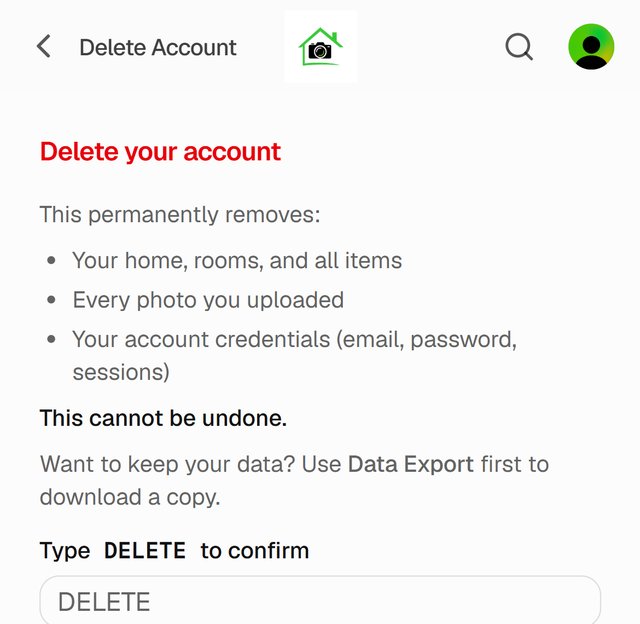
Deletion is immediate and permanent. Your inventory, photos and documents are removed right away, with no recovery period. If you might want a copy, export your data first.
Good to know
- Subscribed on the web? Your subscription is cancelled when you delete your account.
- Subscribed through the App Store? Cancel it in your Apple subscriptions first. Deleting your Homvi account doesn't cancel an App Store subscription.
- Sharing your home with others? They lose access to it too.