An Item Report is a PDF about a single item. You choose what goes in it, so the same item can go to an appraiser one way and an insurer another.
1. Choose what goes in
On the item's page, find Item report and tap Create report. Tick the details and photos you want.
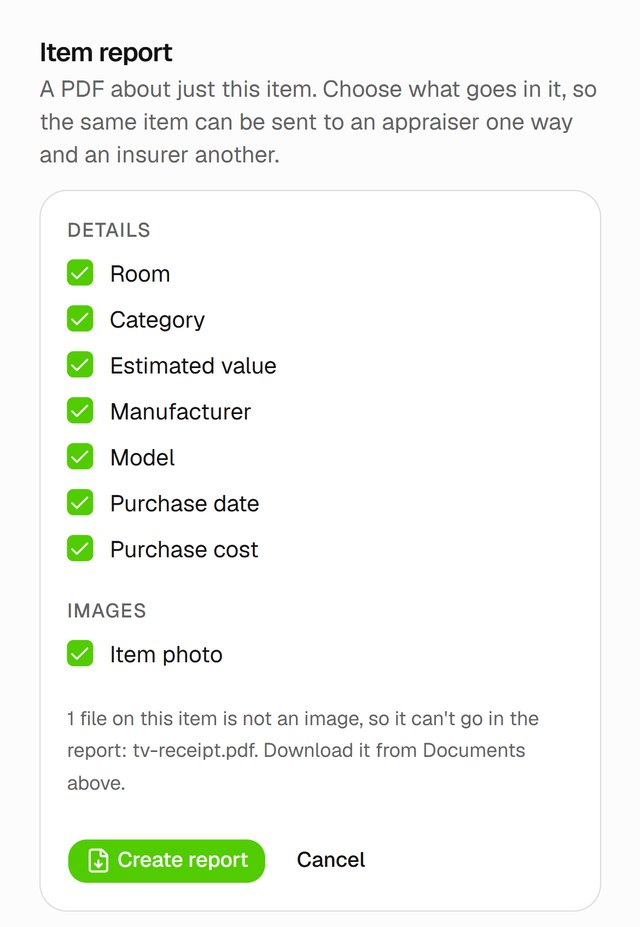
2. Create it
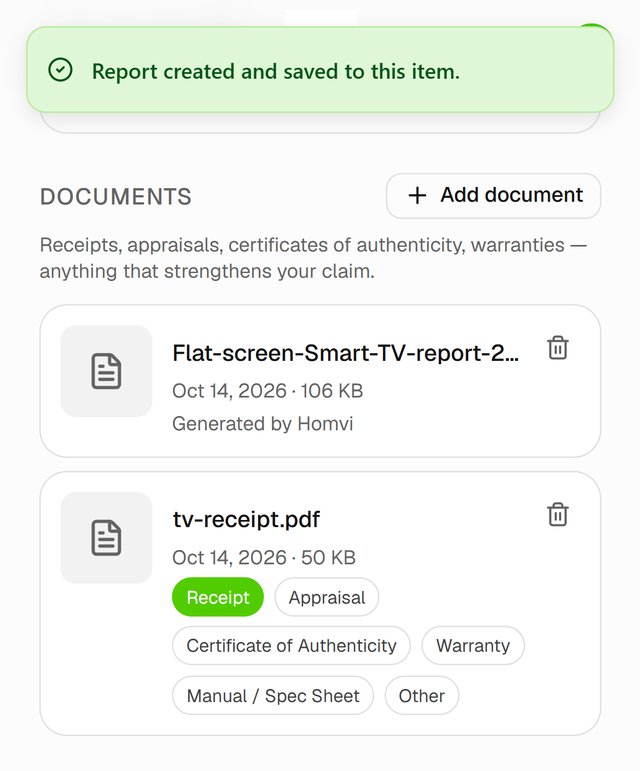
Tap Create report. The report is saved to the item's Documents, marked Generated by Homvi. Tap it to open it.
Good to know
- PDF documents can't go inside the report. Only images can. Share a PDF receipt separately from Documents.