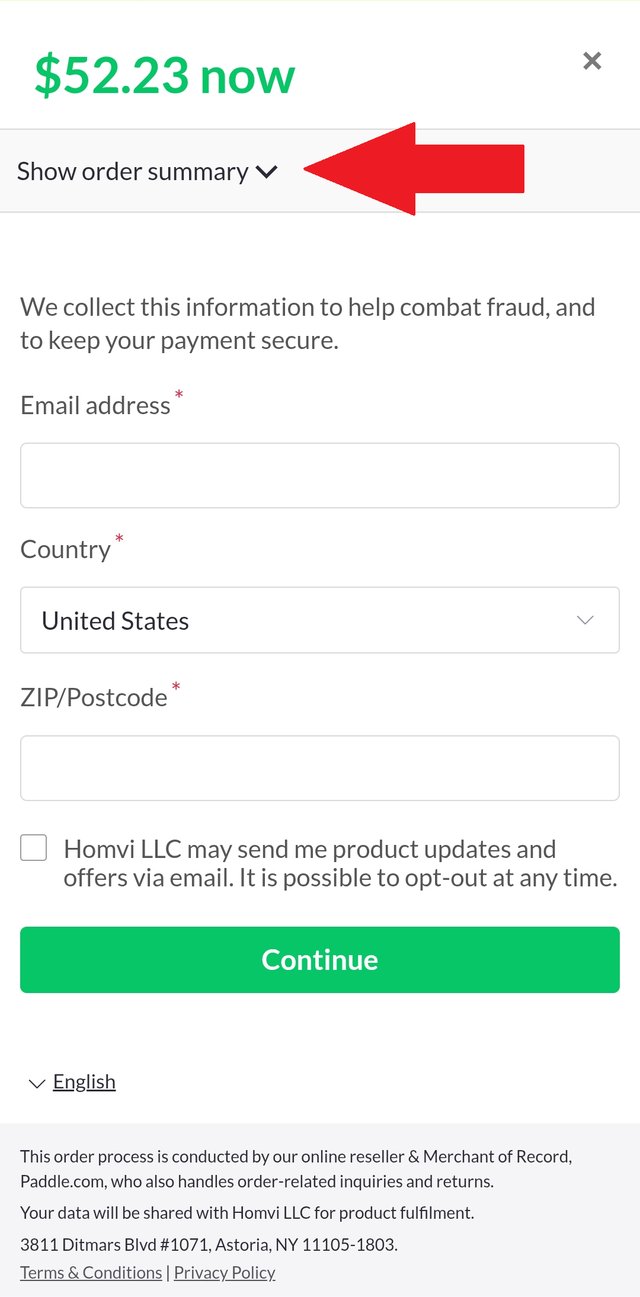
On the web and on Android, checkout is handled by Paddle, our payment partner. You add your discount code there, before you pay. On a phone, the box for it is folded away inside the order summary, so it's easy to miss.
Want the Homvi Complete subscription on your iPhone? Get it from the App Store, where Apple handles your purchase.
1. Open the order summary
On a phone, tap Show order summary at the top of the checkout. On a computer the summary is already open, so go straight to step 2.
2. Add your code
- Tap Add discount, just below Subtotal.
- Enter your code and tap Apply.
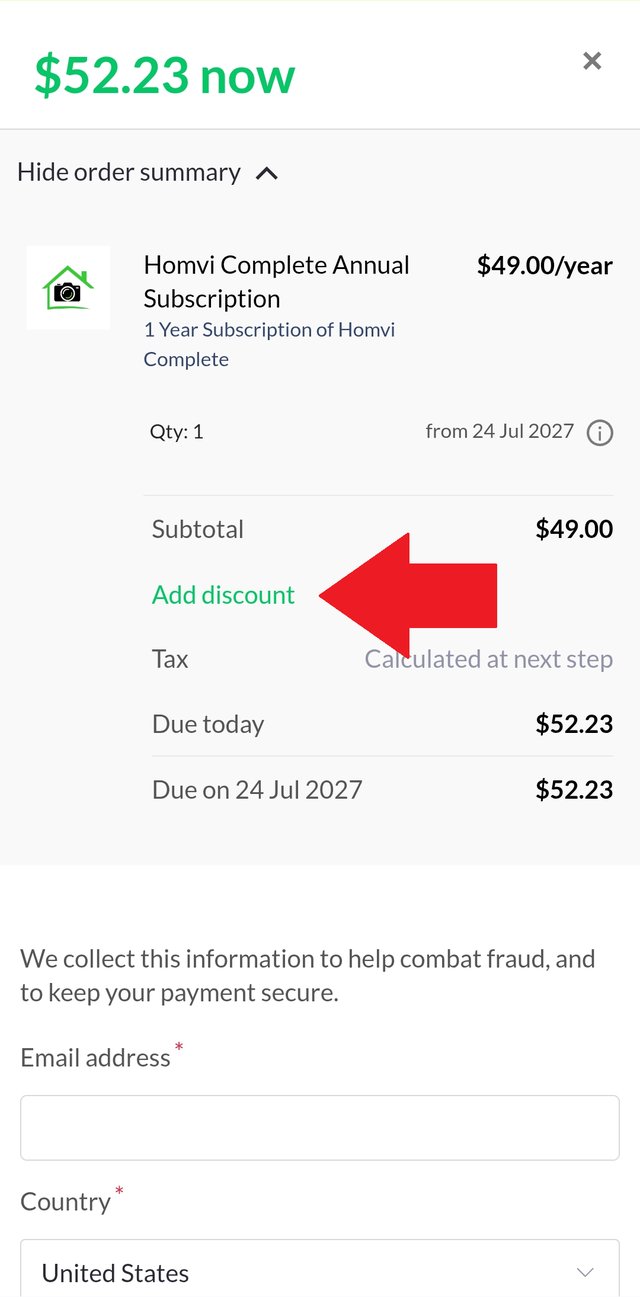
Your new total shows before you pay. Then finish checking out as usual.